

DevTools
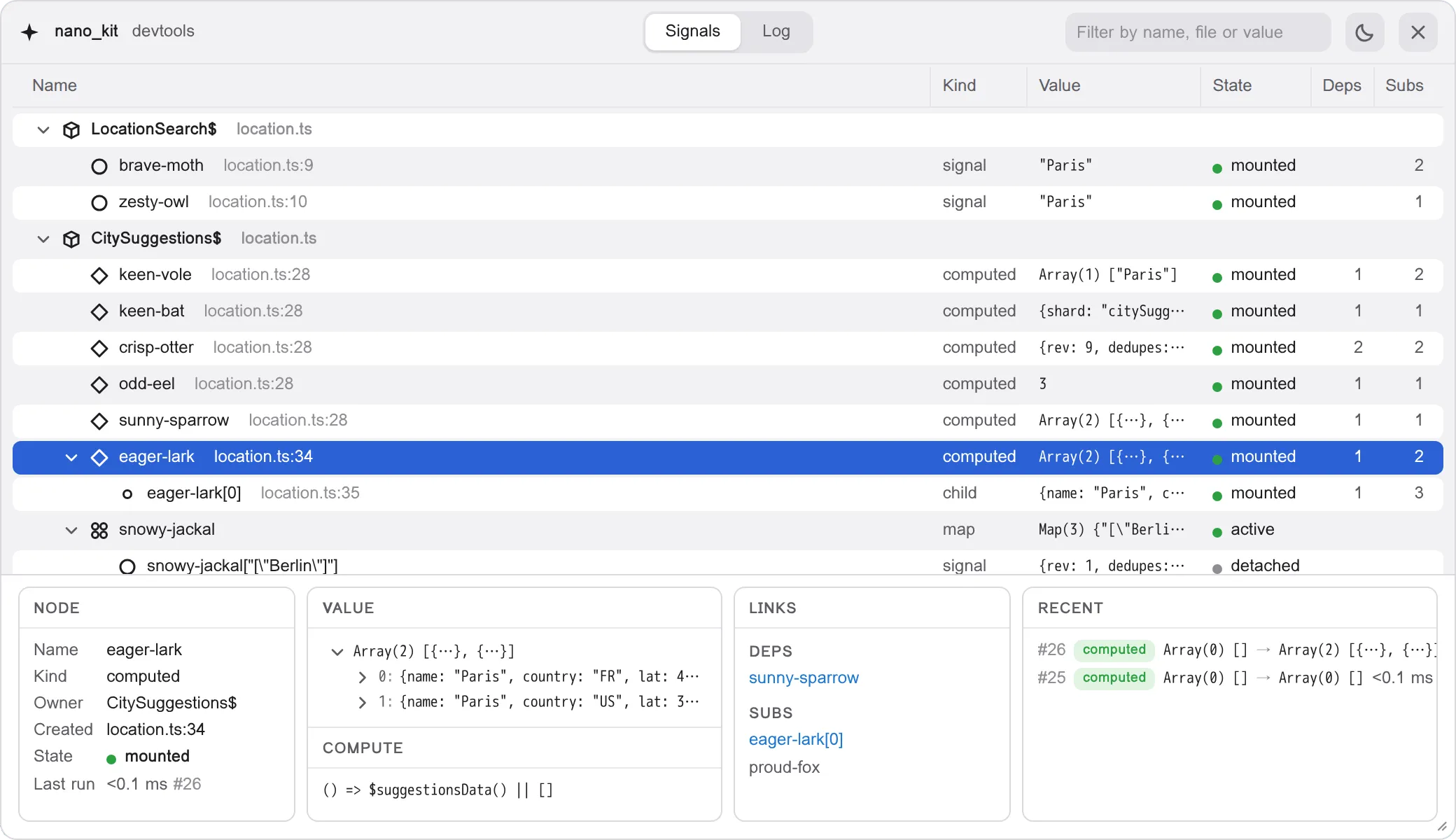
@nano_kit/devtools is an in-page DevTools panel for @nano_kit/store: the reactive graph of your app, its values, its lifecycle and a log of every transaction, right on the page.
- On the page. A panel over your app in its own shadow root: no browser extension, no bundler plugin, and a strict Content Security Policy does not stop it.
- Free in production. The guarded call folds away with the whole package, and the core reports to the panel in its development build alone.
- Named for you. Every signal gets a readable name, the place it was created and its owner, the store factory, the component or the file, straight from the call stack.
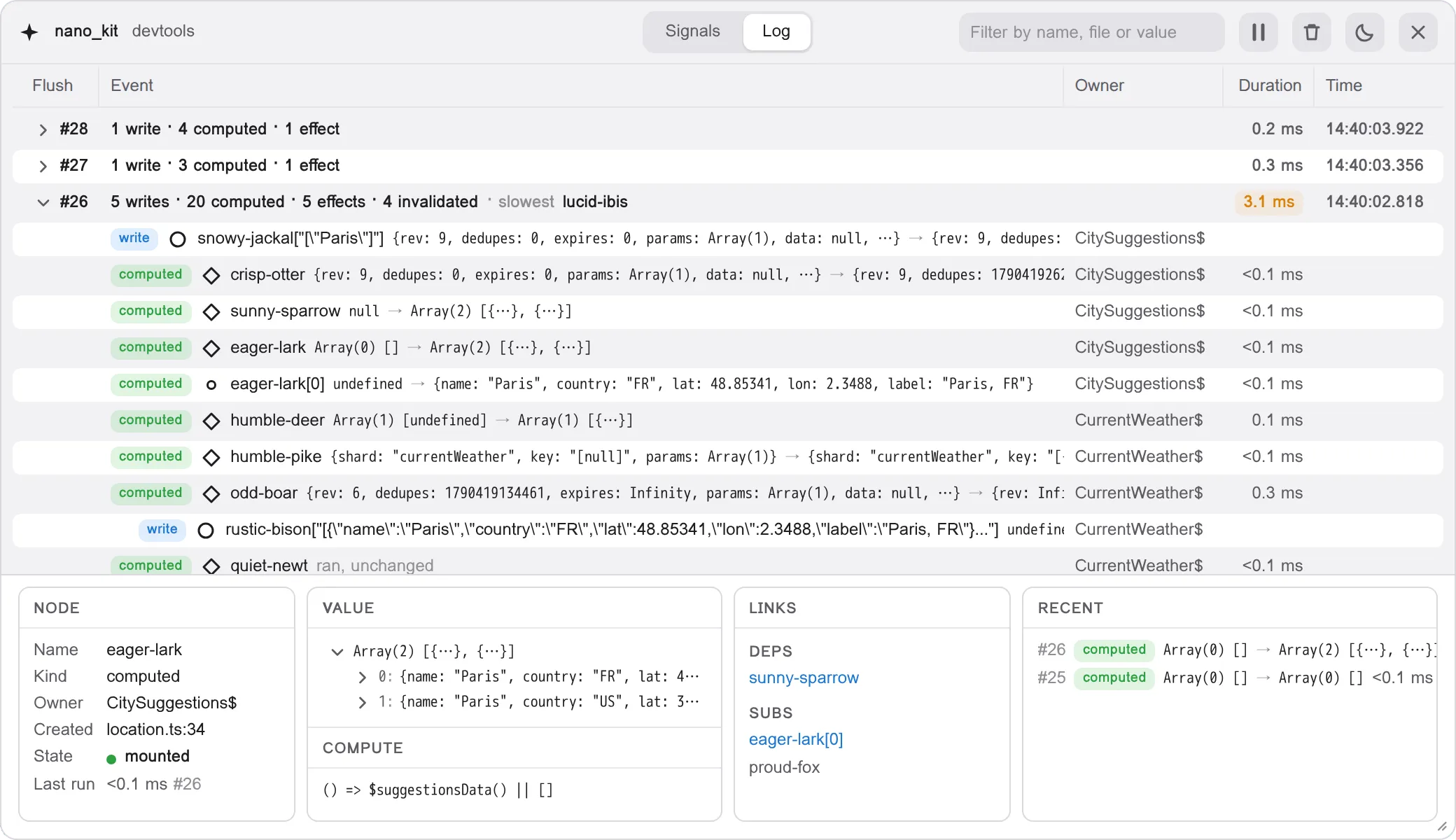
- Transactions, not events. The log groups what happened by flush, with the time of every run and the slowest one called out.
- Live values. Pick any node to see its value as a tree, what it reads, what reads it, and its last lines in the log.
- Built with the kit. The panel is itself an app on
@nano_kit/store, with its views written in Nanoviews, a Direct DOM library built on the same core.
Installation
Section titled “Installation”Install the package as a dev dependency using your favorite package manager:
pnpm add -D @nano_kit/devtoolsyarn add -D @nano_kit/devtoolsnpm install -D @nano_kit/devtoolsQuick Start
Section titled “Quick Start”Call devtools() once, behind the development flag of your bundler, and import it before the modules that create your stores, so their signals are named from the start:
import { devtools } from '@nano_kit/devtools'
if (import.meta.env.DEV) { devtools()}/* First of all, before the modules that create stores */import './devtools'import { App } from './App'Open the panel with the pill at the bottom edge of the page, or with Alt+Shift+D / ⌥⇧D:
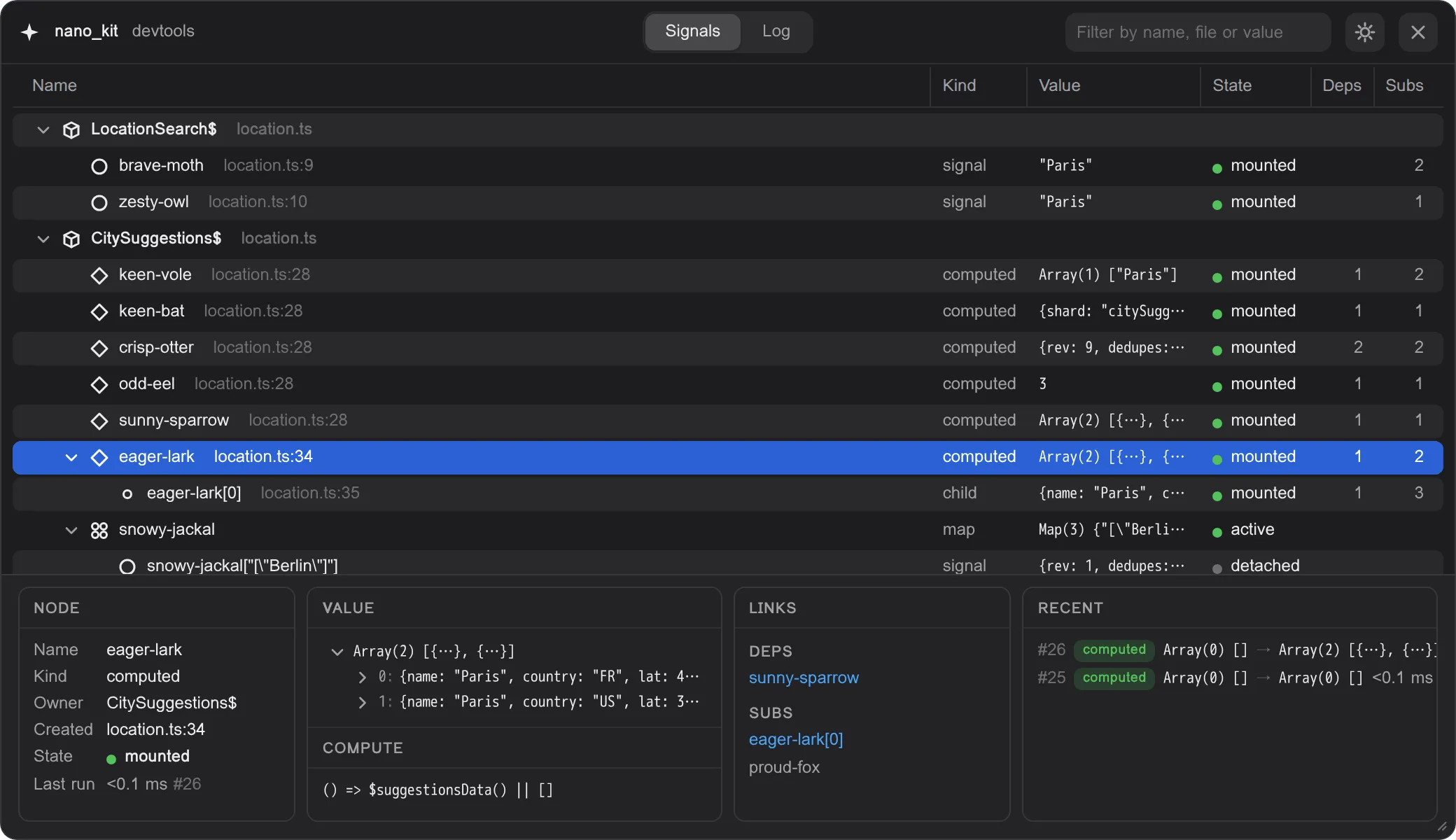
- Signals. Every signal, computed and child signal, grouped by the factory, component or file it was created in, with its value, state and links.
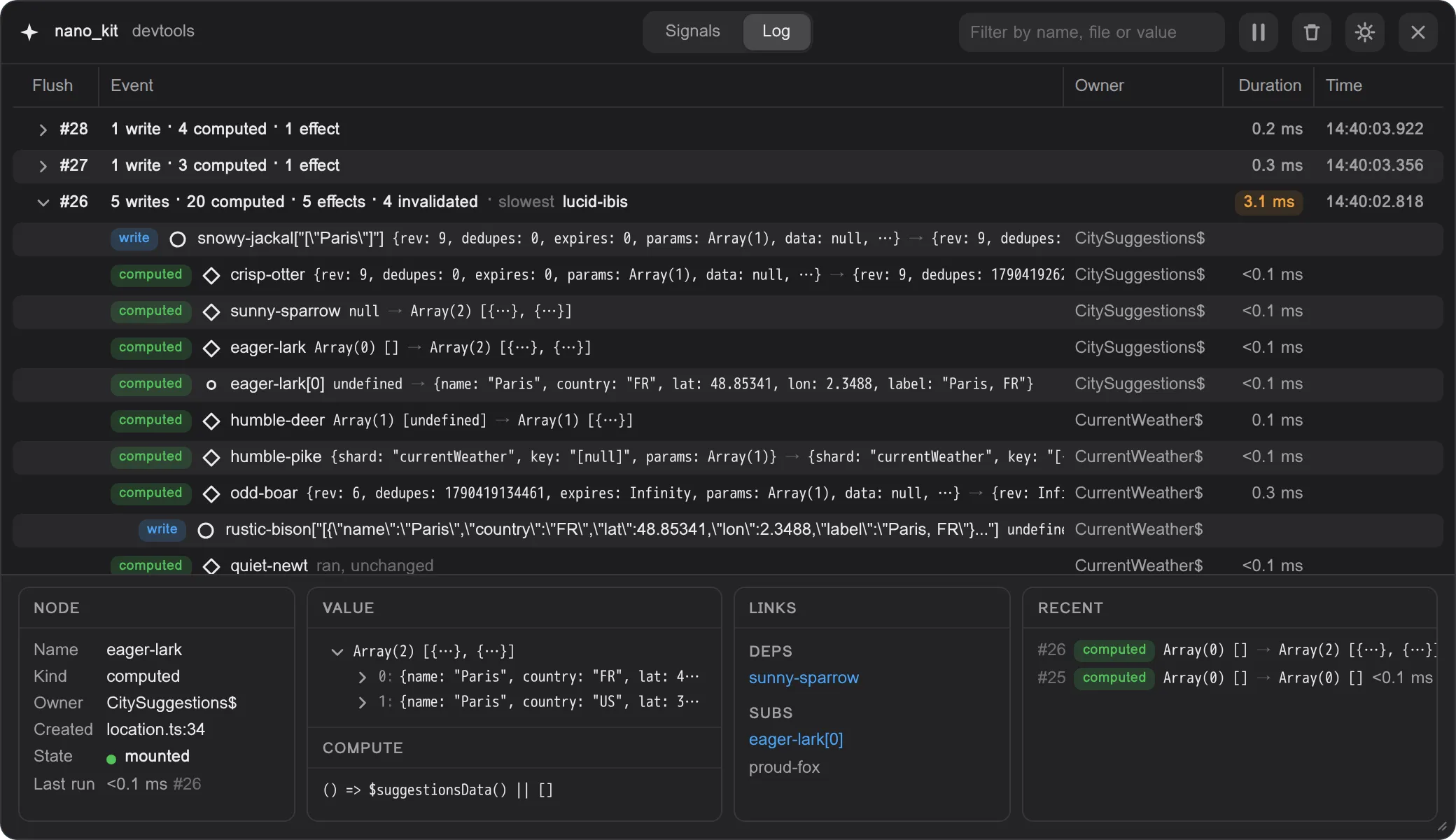
- Log. Every transaction: a write and all it caused, down to the effects that ran and how long each took.
- Inspector. The node you picked: its value, what it reads and what reads it, and its recent history.
Development Builds
Section titled “Development Builds”@nano_kit/store, @nano_kit/query, @nano_kit/router, @nano_kit/intl and the core under them, kida and agera, ship two builds: dist/index.development.js and dist/index.production.js. Their exports pick one through the development and production conditions, and default is the production build. Bundlers that resolve the development condition during development, Vite among them, serve the development build with no setup, while production bundles get the production build.